


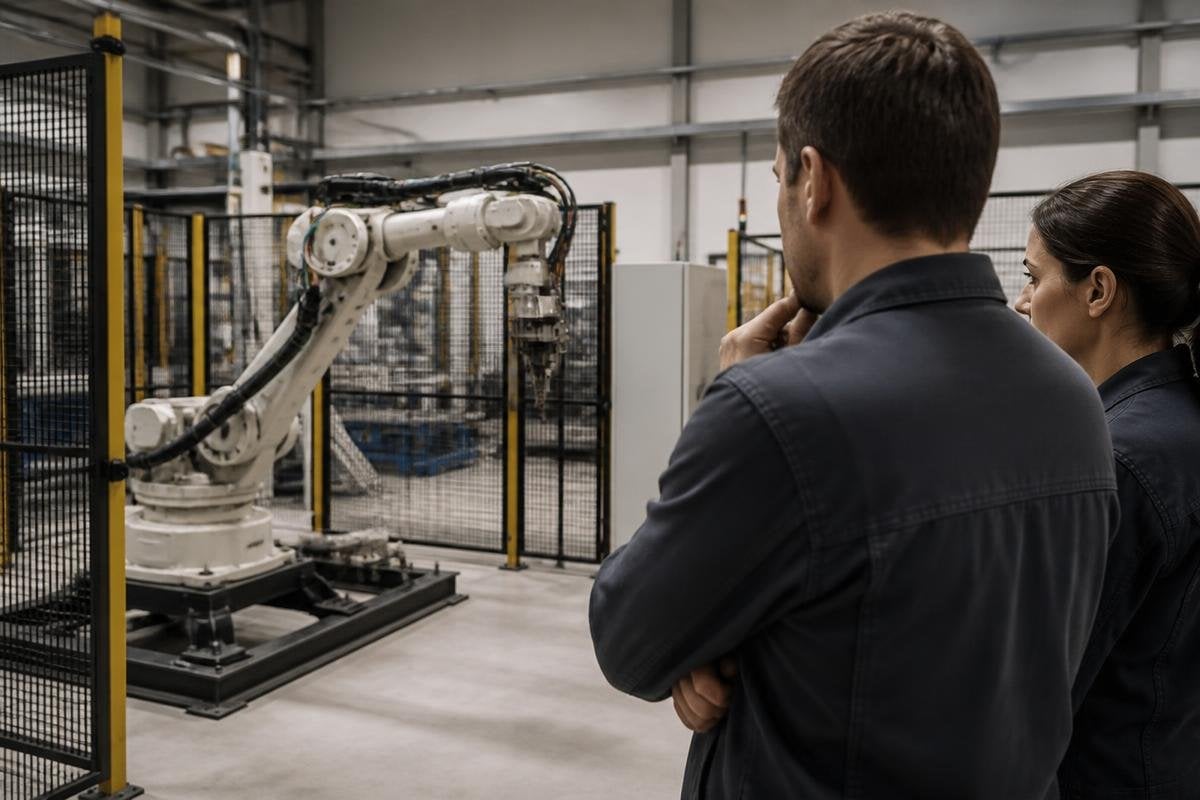
A hacked robot can injure someone, stop a production line, expose data, or move through a site without permission. Responsibility rarely sits with one person because the robot’s owner, operator, maker, software supplier, and attacker control different parts of the risk.
- The owner controls where the robot runs and what work it can do.
- The maker controls much of the hardware and built-in security.
- The operator may need to stop the robot when warning signs appear.
Start with the harm, not the job title
The first question is what happened. A stolen camera feed raises a different issue from a robot that moved an arm near a worker. The response should record the robot’s actions, the systems it reached, and the point where someone could have stopped it.
Responsibility has several parts. One person may need to stop the machine at once.
Another may need to fix the network. A company may need to tell workers, customers, insurers, or regulators. A court may later decide who must pay for damage.
Those duties can overlap. The person holding the emergency-stop button may have the first response duty, while the manufacturer may still face questions about a known security flaw.
The owner controls the operating conditions
The owner decides where the robot works, what data it can access, and who can change its settings. That makes the owner responsible for basic safeguards around the machine, even when another company built the robot.
A sound setup keeps the robot on a separate network, limits remote access, removes old accounts, and records software changes. Access should match the job. A technician who needs to update a robot may not need access to payroll files or building doors.
The owner also sets the operating limits. A robot that is safe in a fenced test area may create a different risk beside workers, vehicles, or public walkways. The same model can need different controls in each place.
The maker controls the product’s weak points
The manufacturer controls the robot’s firmware, update process, account system, and many sensors. A security flaw in one of those parts can affect every machine that uses the same design.
That does not mean the maker carries every cost after a hack. The answer depends on the flaw, the contract, the warnings supplied, the updates available, and the owner’s setup. A maker that ships a fix may still face questions if customers cannot install it without taking the robot out of service.
Software suppliers can hold a separate share of the risk. A robot may depend on a cloud dashboard, mapping service, camera tool, or remote support system. Each connection creates another place where access can fail.
A hacked robot leaves ownership questions behind. The update server and support link may belong to different companies, so Robot24.com robotics coverage can tie those roles to named firms and dates before the operator handles the live warning.
The operator handles the live warning
Operators work closest to the robot during a shift. They may see a new movement, a failed sensor check, an unknown login, or a command the robot should not accept. Their duty is usually tied to the rules they were given and the training they received.
An operator should not have to guess whether a strange action is a cyberattack. The work instructions should state when to press the stop button, disconnect the robot, call a supervisor, and preserve logs. Those steps protect people and help later checks.
The attacker carries responsibility for the act of breaking in. Finding the attacker can still be hard, and naming that person does not remove the owner’s duty to limit harm after the breach.
What to check after a breach
A company deciding who must act can use this order:
- Stop unsafe motion and keep people clear of the work area.
- Record the time, robot state, alarms, network links, and commands.
- Limit remote access without deleting logs needed for review.
- Ask the maker and software suppliers for their security notice and fix plan.
- Check whether the robot reached doors, cameras, personal data, or other machines.
- Review contracts, insurance terms, reporting duties, and local law with qualified advice.
This list separates urgent safety work from the later dispute over fault. It also prevents a rushed reset from destroying the evidence needed to explain what happened.
Decide responsibility before buying
Put each duty in writing before the robot enters service. Name who owns updates, who watches alerts, who can stop remote control, and who must answer outside normal hours.
Ask how the robot receives security updates, how long the maker supports each model, and what happens when an update fails. Ask where logs live and whether the owner can read them without sending all robot data to a supplier.
I’d reject any purchase where those answers are missing. A low price can become expensive when nobody can say who controls the robot after an account is breached.
The next useful step is a short responsibility sheet for each robot: owner, operator, maker, software suppliers, emergency contact, update duty, and reporting path. If a breach happens, that sheet should point to a person before the machine moves again.
